Help
Toy not showing up?
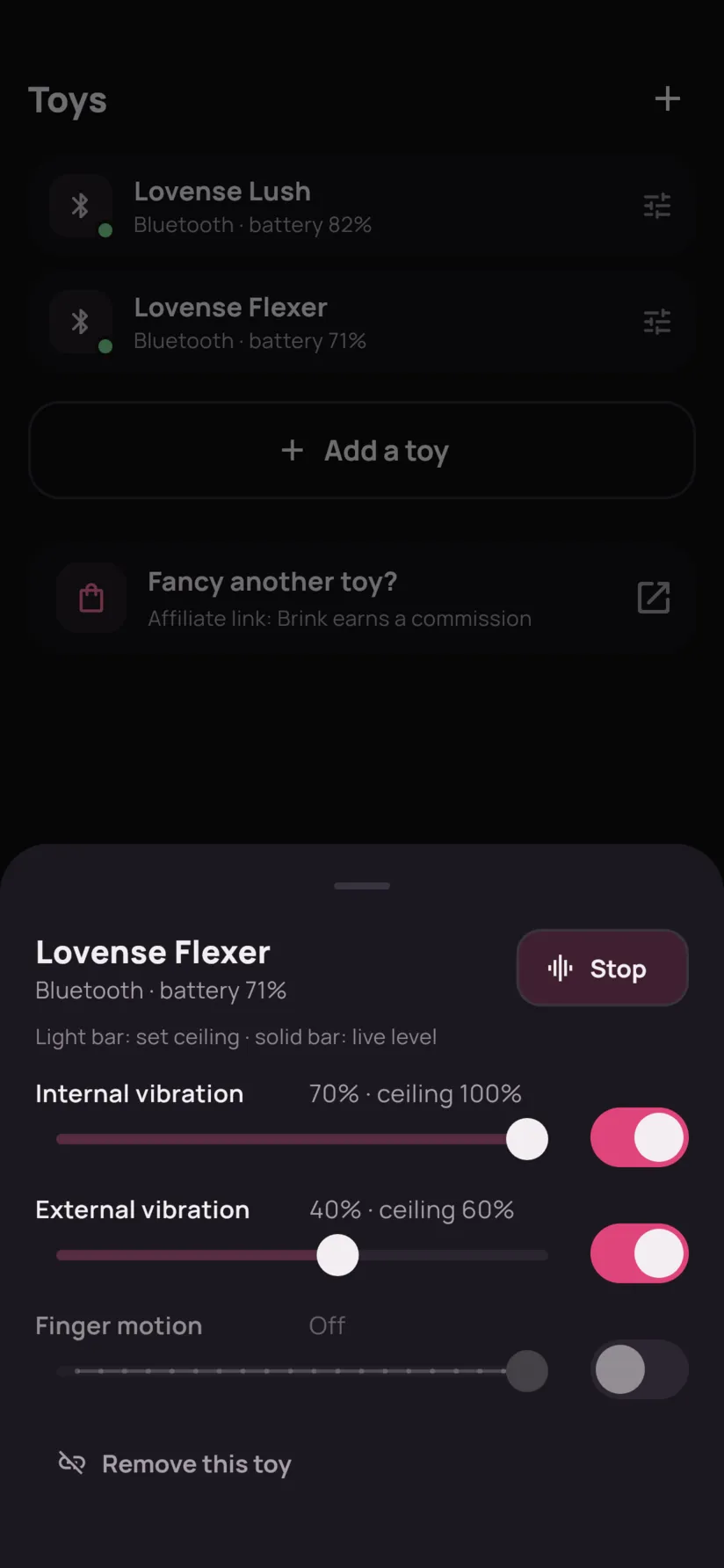
Most of the time, another app is already holding it, or the phone hasn't given Brink access to Bluetooth. Here is what to check, in order: it takes a minute.
The fix in 30 seconds
- Free it from other apps. A Lovense connects to one app at a time. If Lovense Remote or Lovense Connect is using it, even in the background, on this phone or on another device nearby, disconnect it in that app or close the app completely.
- Turn it off and on again. Hold its button to turn it off, then turn it back on. Its light should blink: it is waiting for a connection. If it stays solid, something else is already connected to it.
- Search again in Brink. Play tab, "Connect a toy", with the toy right next to the phone. The search lasts 20 seconds: tap "Connect" when it shows up.
Bluetooth and permissions
If Brink finds nothing at all, the phone is often blocking the search. Brink says so at the top of the search screen.
- Is Bluetooth on? Check it in the phone's quick settings.
- Android 12 and later: Brink needs the "Nearby devices" permission. If you refused it: Settings › Apps › Brink › Permissions › Nearby devices › Allow.
- Android 11 and earlier: Android requires the location permission for any Bluetooth search, and location to be turned on. Brink doesn't use it to know where you are.
- iPhone: Settings › Brink › Bluetooth must be on.
Don't pair it in the phone's settings
A Lovense doesn't pair like headphones: the app connects to it. If it appears in the phone's list of Bluetooth devices, tap it and choose "Forget" or "Unpair", then search again in Brink.
Still nothing?
- Charge it. A nearly flat battery can stop it from announcing itself, even if its light comes on.
- Bring it closer. During the search, keep it within a metre of the phone. Once connected, it holds the link from further away.
- Show every device. At the bottom of the search screen, "Show other Bluetooth devices" also lists toys that don't present themselves as Lovense.
- Turn the phone's Bluetooth off and on. As a last resort, restart the phone: it frees a toy stuck on an old connection.
- Update its firmware. With Lovense Remote, then close it before going back to Brink. Outdated firmware sometimes limits what Brink can drive: Brink flags it next to the toy's name.
A toy from another brand?
Brink only connects directly to Lovense toys. For other brands, such as We-Vibe, Satisfyer or Kiiroo, it goes through Intiface Central: see the step-by-step guide.
The Lovense models Brink knows are listed on the home page. A model newer than Brink still connects, driven as a simple vibration.
Frequently asked questions
Can I keep Lovense Remote?
Yes. The toy just mustn't be connected to it while you play with Brink.
Do I have to search every time?
No. Since version 1.8, Brink remembers your toys: turned on before you open the app or in the minutes after, they connect by themselves.
It disconnects mid-session?
Brink tries to reconnect it by itself as soon as it's back in range. Since version 1.8, the session then goes on by itself. Keep the phone close and check the toy's battery.
Still stuck?
Write to us with your phone model and the toy's model.