Intiface Central
Brink with Intiface Central: beyond Lovense
Brink connects directly to Lovense toys. For other brands, such as We-Vibe, Satisfyer, Kiiroo or Magic Motion, it goes through Intiface Central, a free and open-source app that recognises hundreds of models. Here is how to link them, step by step.
What is Intiface Central?
Intiface Central is a free, open-source app made by Nonpolynomial and built on Buttplug.io, an open protocol that can drive hundreds of connected toys from many brands.
It works like a small server: it connects to the toys, and other apps, such as Brink, connect to it in turn to drive them. It runs on a computer, or directly on your phone.
Lovense directly, other brands through Intiface
For Lovense toys, Brink needs nothing else: it connects to them directly over Bluetooth, which is the simplest way. For other brands, it relies on Intiface Central, which already knows their protocols.
Either way, it’s the same game: edging sessions, an ending drawn at random, and a partner who can take the controls.
Link Brink to Intiface Central, step by step
- Install Intiface Central. On the same phone as Brink, or on a computer on the same Wi-Fi network. The app is free.
- Start its server. Open Intiface Central and start the server. On a computer, turn on “Listen on all interfaces” so your phone can connect to it.
- In Brink, add a toy. Toys tab, “Add a toy”, then “Intiface Central”.
- Enter the server address. If Intiface runs on the phone, the suggested address works (ws://127.0.0.1:12345). On a computer, replace 127.0.0.1 with the computer’s address on your network, keeping port 12345.
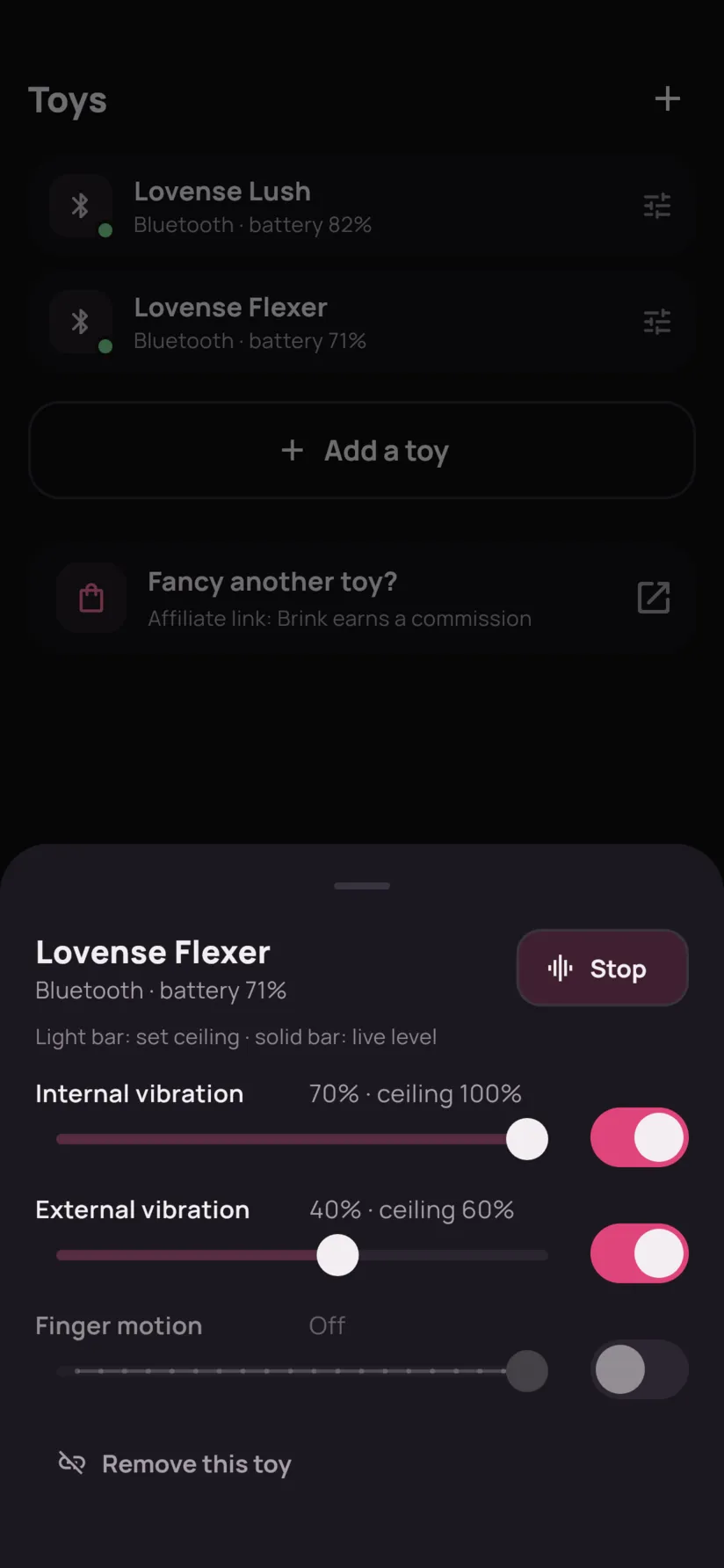
- Turn on your toy. Intiface detects it, and it appears in Brink. Adjust or cap each of its features, then start a session.
What Brink drives through Intiface
The session varies each feature of your toy:
- vibration;
- rotation;
- contraction, for toys with an air pump.
Position-controlled stroking devices, such as The Handy, are not supported yet. And a toy that does none of these is flagged as not compatible.
If it doesn’t work
- Brink can’t find the server? Check that Intiface’s server is running, that the phone and the computer are on the same Wi-Fi network, and that the computer’s firewall lets port 12345 through.
- The toy doesn’t show up? Make sure it is on, charged, and not used by another app: a toy only talks to one app at a time. Close the brand’s app.
- Got a Lovense? No need for Intiface: choose “Direct Bluetooth” in Brink, it’s simpler.
Frequently asked questions
Is Intiface Central free?
Yes, free and open source. Brink is free too, with no ads.
Is Brink part of Intiface?
No. Brink is an independent app that uses Intiface Central to talk to other brands’ toys.
Which brands work?
The ones Intiface Central recognises: We-Vibe, Satisfyer, Kiiroo, Magic Motion and many more. If Intiface detects your toy and it vibrates, rotates or contracts, Brink can drive it.
What about long-distance play?
It works too: the toy stays linked to Intiface near you, and your partner leads the session from a simple link.